
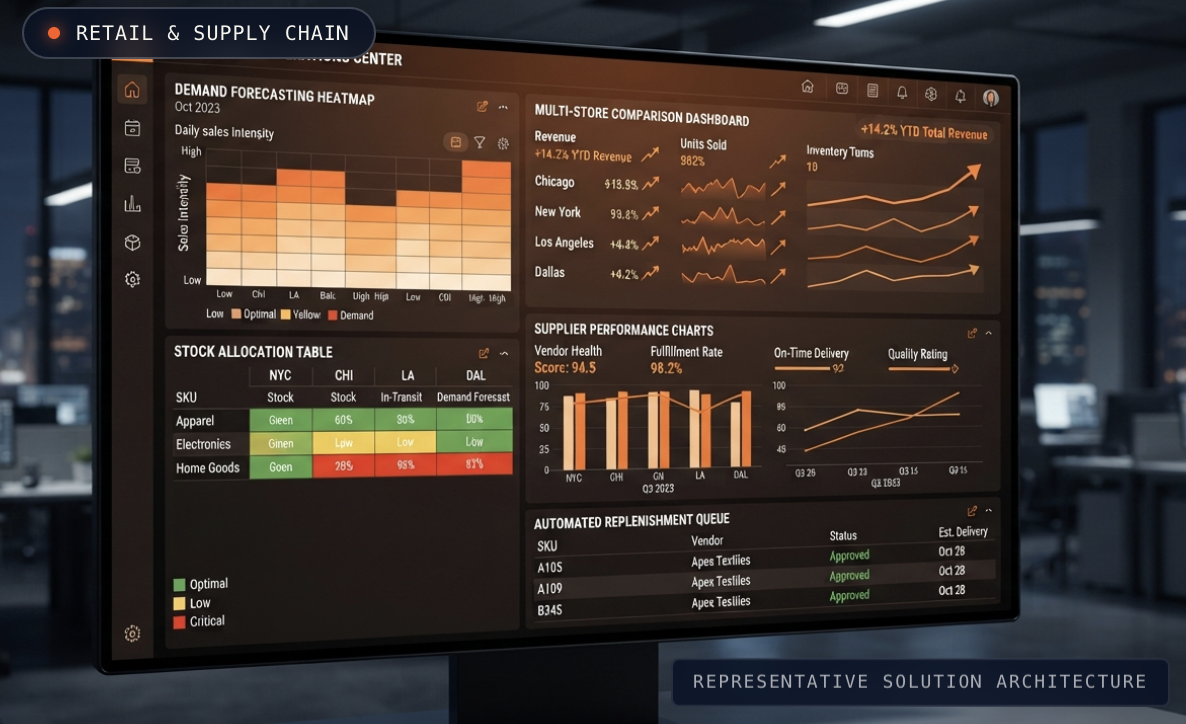
AI prospect research is the use of an AI agent to answer your own questions about every company or person on a prospect list, using public sources, and to return the answers as structured fields your team can filter, segment and write from. It replaces the manual tab-by-tab research a good rep does for their top accounts, and it makes that depth possible for the whole list.
This guide explains how AI prospect research differs from data enrichment, which questions are worth asking, how to turn answers into targeting and messaging, and where human judgment still matters.
Why manual prospect research doesn't scale
Every strong rep knows the routine. Before reaching out to an important account, they open the company website, the careers page, recent news, the leadership team's profiles and maybe a product changelog. Ten minutes later, they know something the prospect will actually care about.
That works for a handful of accounts. It breaks down for a full market. Teams end up with two bad options:
- Research a few accounts deeply and send generic messages to everyone else.
- Skip research entirely and rely on templates with merge fields.
AI prospect research removes that trade-off. The same questions a rep would ask by hand get asked of every record, and the answers come back in a consistent format.
AI prospect research vs data enrichment
The two are often confused, but they answer different kinds of questions.
| Data enrichment | AI prospect research | |
|---|---|---|
| What it fills | Standard columns: industry, headcount, location, title | Custom answers to the questions that matter for your offer |
| Who defines the fields | The data provider | You, in plain language |
| Source | A stored database | Live research across public sources |
| Freshness | As fresh as the last database update | Researched when you run it |
| Best for | Basic filtering and routing | Targeting, segmentation and message angles |
Enrichment tells you a company is a mid-sized software business. Research tells you that the company just launched a partner program, is hiring for integration engineers and still runs its website on an older platform. Only the second gives you something to say.
What questions should you ask?
Good research questions are specific, answerable from public sources and directly connected to why someone would buy from you. They usually fall into four groups.
Fit questions
- Is this company B2B or B2C?
- Does this company sell to enterprise customers?
- Does this company offer a self-serve product or sales-led only?
Timing questions
- Has this company announced a new partnership or big contract this year?
- Has a new CTO or VP Product joined in the last 90 days?
- Which technical roles have been open for 60+ days?
Stack and capability questions
- Is this company talking publicly about AI while running on an older stack?
- Which of our competitors does this company already use?
- Does a competitor offer a feature this company doesn't have yet?
Message questions
- What is the main problem this company says it solves for its customers?
- What did this company's leadership talk about publicly most recently?
Timing questions line up with the buying signals behind signal-based outbound. Message questions feed directly into personalization.
How to run AI prospect research, step by step
Step 1: Start with a list worth researching
Research is most valuable on accounts that already have a reason to buy. SmartData builds lists from buying signals, such as people following your competitors, new technical leaders in their first 90 days, long-open tech roles and new partnerships, so research effort goes where it's most likely to matter. For the difference between these signals and intent scores, see B2B intent data vs buying signals.
Step 2: Write each question once, in plain language
Write questions the way you'd brief a sharp researcher. Be clear about what counts as a yes. "Has this company announced a new partnership with a named company in the last six months?" is better than "Any partnerships?"
Step 3: Ask for structured answers
Ask for answers in a fixed format: yes or no, a short label, a date, or a one-line summary with the source. Structured answers can be filtered, counted and used in segmentation. Free text can't.
Step 4: Turn answers into segments
Group accounts by answer. For example, "new CTO and older stack" becomes one campaign, and "competitor feature launch" becomes another. Each segment gets its own angle instead of one generic sequence.
Step 5: Use the answers to write the message
Pick the single most relevant answer for each prospect and build the message around it. Our guide to cold email personalization at scale covers the structure, and research-first LinkedIn prospecting covers the same approach on LinkedIn.
Step 6: Spot-check before anything goes out
AI research is fast, not infallible. Review a sample of answers in every run, especially anything about people, roles or announcements, and drop answers the agent marks as uncertain.
Where AI prospect research helps beyond outbound
Research answers are useful across the go-to-market team:
- Marketing can build account lists for ads and events around a specific situation, not just an industry.
- Sales leaders can see which segments of the market share a problem and prioritize territory.
- Product teams can learn which competitor features prospects are reacting to.
- Account managers can watch existing customers for leadership changes or new initiatives.
We wrote about that broader use in from one prospect to market intelligence.
Common mistakes
- Asking vague questions. "Tell me about this company" produces summaries you can't filter. Ask specific, answerable questions.
- Researching the wrong list. Deep research on accounts with no reason to buy is wasted effort. Start with signals.
- Using private or scraped data. Research should come from public sources. Avoid scraping logged-in platforms or using shared accounts.
- Letting research sit in a spreadsheet. If answers don't change who you contact or what you say, the research hasn't done its job.
- Skipping human review. One wrong fact in a message damages trust more than a generic message does.
How SmartAgent does it
SmartAgent is SmartReach AI's research agent. You ask a plain-language question once, and it researches every company or person on your list from public sources, returning structured fields. Those fields flow into SmartMail for hyper-personalized cold email and SmartLink for LinkedIn outreach, so research turns directly into conversations. On managed outbound, our team also handles replies and books meetings.
FAQ
What is AI prospect research?
AI prospect research is the use of an AI agent to answer custom questions about every company or person on a prospect list, using public sources, and to return the answers as structured fields for targeting, segmentation and messaging.
How is AI prospect research different from data enrichment?
Data enrichment fills standard columns from a stored database, such as industry, headcount and title. AI prospect research answers the specific questions you define, such as whether a company announced a new partnership or is moving into AI on an older stack, by researching public sources when you run it.
What questions should I ask an AI research agent about prospects?
Ask fit questions (is this company B2B?), timing questions (has a new CTO joined in the last 90 days?), stack questions (which competitor tools do they use?) and message questions (what did leadership talk about most recently?). Each question should be specific and answerable from public sources.
Is AI prospect research accurate?
It is accurate enough to change targeting and messaging when questions are specific and answers are structured, but it is not infallible. Review a sample of every run, especially facts about people and announcements, and drop answers marked as uncertain.
Can AI research replace SDR research time?
It can replace most of the repetitive research work, such as checking websites, careers pages and news for every account. People are still needed to choose which questions matter, decide which fact to use in a message and review what goes out.
What does SmartAgent do?
SmartAgent lets you ask a plain-language question once. It then researches every company or person on your list from public sources and returns structured fields, which feed SmartMail and SmartLink outreach.
How much does SmartAgent cost?
Pricing depends on list size and research depth. Book a call for pricing.
See what your list looks like with real research behind it
If your team knows who to contact but not what to say, research is the missing step. In a 15-minute call we'll pick the questions that matter for your buyers and show what SmartAgent returns for your market.