
02 / 03
TradeMissions
Redesign using approved mission information, dates, destinations, and testimonials.
SmartDesign case study
About the project
TradeMissions presents organised missions, each with its own dates and destinations, to companies deciding whether to join one.
Mission detail, scheduling information, and approved testimonials all had to sit on one page without competing.
A page that carries dense factual detail while keeping one obvious next step.
Scope
- Website redesign
- Mission and destination presentation
- Approved testimonial placement
- Conversion path design
- Responsive design
Design premise
Structure the schedule, then get out of the way. A deep navy field organises the missions and keeps a single action visible.
Inside the finished page
Visual system
- Mission navy#0c285a
- Page field#fafcfe
- Section ink#162e5d
- Highlight#ffffff
- Typography
- Strong headline weights for mission statements with a compact detail size for dates and destinations.
- Grid
- Repeating mission blocks under a single hero statement, so each destination reads the same way.
- Imagery
- Destination photography held at consistent crops so the schedule stays scannable.
The full page, top to bottom
Motion concept
Layered mission blocks on restrained parallax
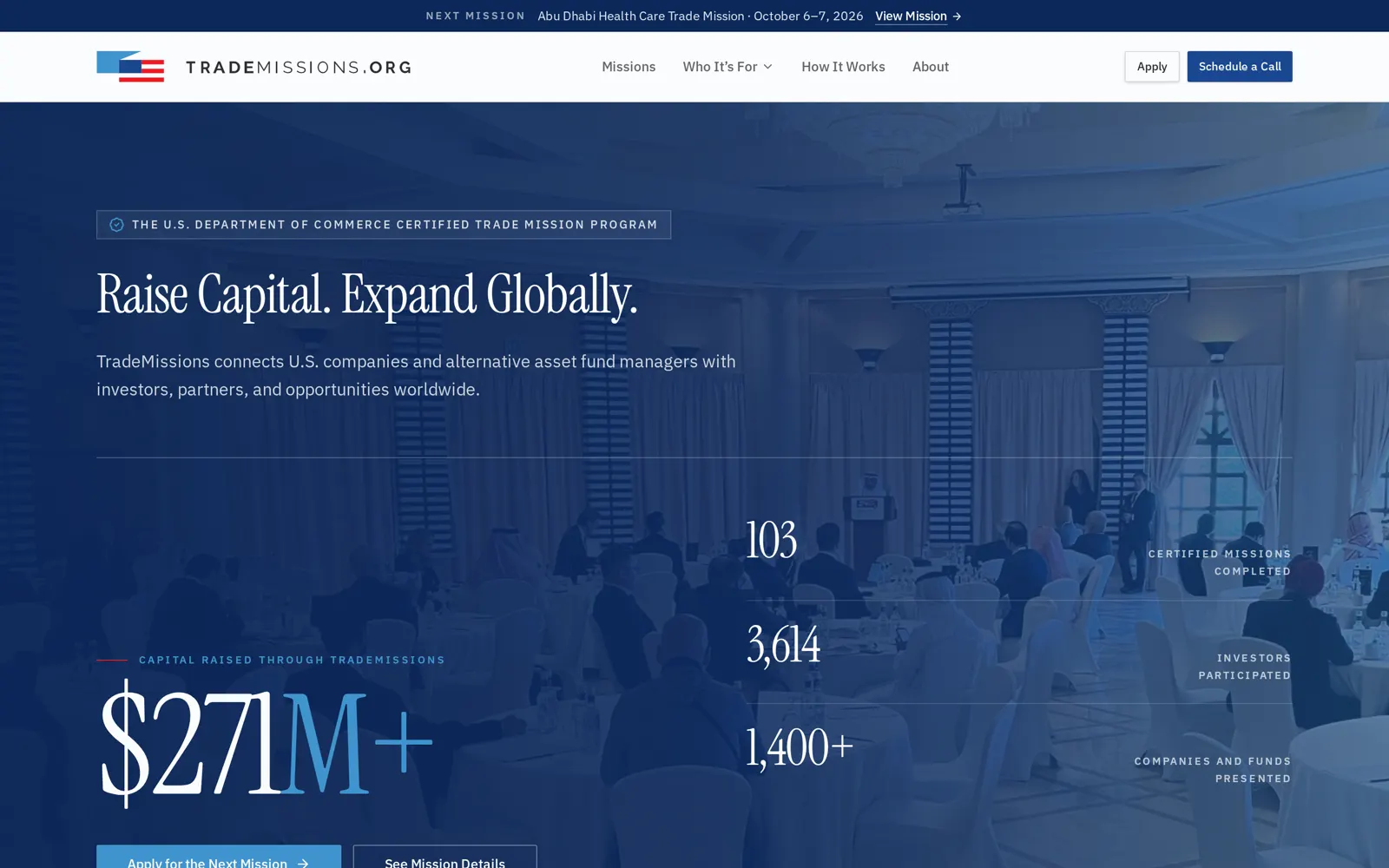
01 · Trigger. Layers aligned flat, nothing separated yet.
Three cropped layers of the page move at different rates on a single scroll driven progression: destination photography slowest, mission block next, action layer fastest so it arrives last. Movement is capped to a few pixels per layer and is disabled when the section is offscreen.
- 01TriggerLayers aligned flat, nothing separated yet.
- 02ConstructionDestination, mission, and action layers separate in depth.
- 03MovementLayers travel at different rates as the section progresses.
- 04Resolved stateAction layer resting above the schedule detail.
- 05PurposeThe page carries dense mission detail under one action. Separating the layers shows that order of importance, with the single next step consistently landing on top.
How the page was built
01 · Structure
Mission blocks and schedule order set.
02 · Type and colour
Navy field established, detail sizes tuned.
03 · Live page
Approved testimonials placed near the action.